Small footprint, big impact.
Small footprint, big impact.
Small footprint, big impact.
Effortlessly voice prompt, collaborate, and monitor the status
of your Codex agents in a satisfyingly new tactile way.
Effortlessly voice prompt, collaborate, and monitor the status
of your Codex agents in a satisfyingly new tactile way.
Effortlessly voice prompt, collaborate, and monitor the status of your Codex agents in a satisfyingly new tactile way.
Creator Micro 2

Meet Creator
Micro, your new AI
agent controller.
Meet Creator
Micro, your new AI
agent controller.
Meet Creator
Micro, your new AI
agent controller.
Simple visuals, for complex tasks.
Simple visuals, for complex tasks.
Simple visuals, for complex tasks.

Agent mode
Creator mode
idle
thinking
complete
needs input
error
Agent mode
Creator mode
idle
thinking
complete
needs input
error
Agent mode
Creator mode
idle
thinking
complete
needs input
error
The Agent Keys dynamically reflect the state of your agents’ assigned tasks, so you always know where they’re at. Don’t let the playful colors fool you, this is a serious tool for work - just with a little more personality than your average work tool ¯\(ツ)/¯
The Agent Keys dynamically reflect the state of your agents’ assigned tasks, so you always know where they’re at. Don’t let the playful colors fool you, this is a serious tool for work - just with a little more personality than your average work tool ¯\(ツ)/¯
The Agent Keys dynamically reflect the state of your agents’ assigned tasks, so you always know where they’re at. Don’t let the playful colors fool you, this is a serious tool for work - just with a little more personality than your average work tool
¯\(ツ)/¯

All your agents,at your command.
All your agents,at your command.
All your agents,at your command.
The Command Keys let you accept changes, reject outputs, push-to-talk, start new chats, trigger custom actions instantly, and so much more – all without even lifting your hand.
The Command Keys let you accept changes, reject outputs, push-to-talk, start new chats, trigger custom actions instantly, and so much more – all without even lifting your hand.
The Command Keys let you accept changes, reject outputs, push-to-talk, start new chats, trigger custom actions instantly, and so much more – all without even lifting your hand.
Enough variety
to go around.
Enough variety
to go around.
Enough variety
to go around.
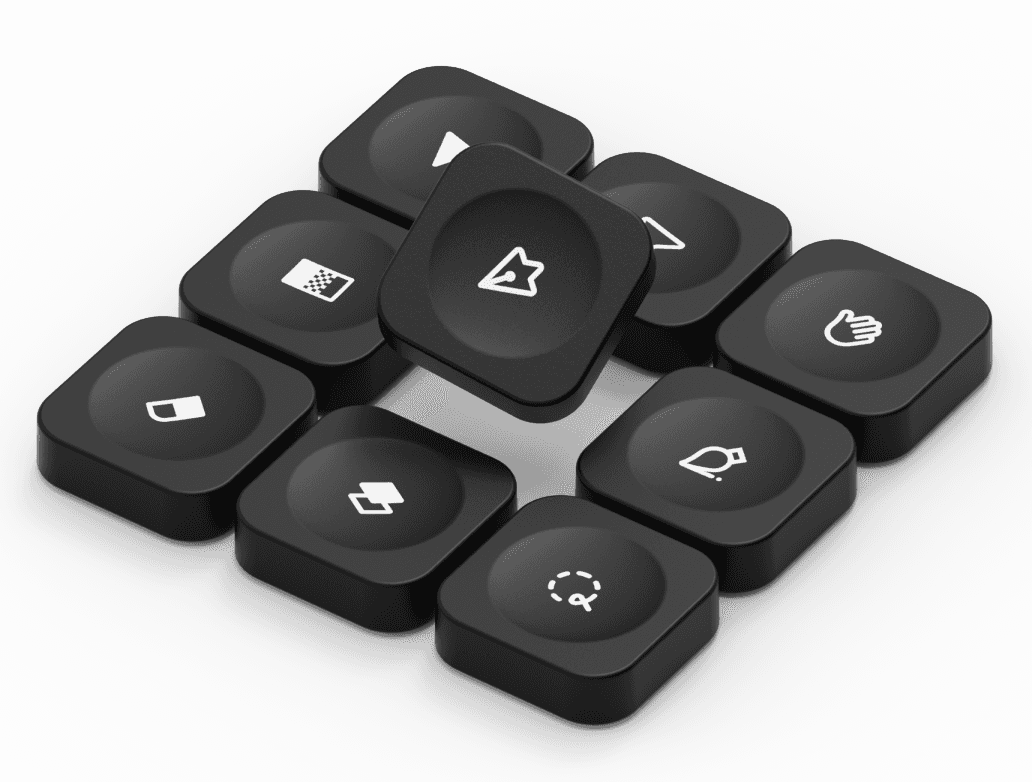
Remap any key on your Creator Micro directly in Codex, then personalize it physically with any of the 64 icon keycaps on from the MX Icon keyset*.
Remap any key on your Creator Micro directly in Codex, then personalize it physically with any of the 64 icon keycaps on from the MX Icon keyset*.
Remap any key on your Creator Micro directly in Codex, then personalize it physically with any of the 64 icon keycaps on from the MX Icon keyset*.
*MX Icon and Pure are sold separately

Every corner considered.
Every corner considered.
Every corner considered.
Creator Micro 2 turns everything from reviewing a pull request, to generating a design system, to creating documentation, surprisingly tactile and engaging. Reducing repetitive prompting and keeping high-frequency workflows at just a twist, flick, or tap away.
Creator Micro 2 turns everything from reviewing a pull request, to generating a design system, to creating documentation, surprisingly tactile and engaging. Reducing repetitive prompting and keeping high-frequency workflows at just a twist, flick, or tap away.
Creator Micro 2 turns everything from reviewing a pull request, to generating a design system, to creating documentation, surprisingly tactile and engaging. Reducing repetitive prompting and keeping high-frequency workflows at just a twist, flick, or tap away.

The Joystick
Put any 4 preset or custom skills right at your fingertip, literally - play with it, you’re bound to discover something unexpected ;)

The Dial
Control how deeply your agent thinks, and more! Turn it down for quick tasks. Dial it up when the work needs to be more considered.

The Body
Enjoy perfectly diffused RGB lighting effects thanks to the unibody sandblasted polycarbonate, and aluminum frame.

The Base
Milled from a solid block of aluminum and paired with a strong anti-slip ring, your Creator Micro 2 isn’t going anywhere - unless you put it there.
The Joystick
Put any 4 preset or custom skills right at your fingertip, literally - play with it, you’re bound to discover something unexpected ;)
The Dial
Control how deeply your agent thinks, and more! Turn it down for quick tasks. Dial it up when the work needs to be more considered.
The Body
Enjoy perfectly diffused RGB lighting effects thanks to the unibody sandblasted polycarbonate, and aluminum frame.
The Base
Milled from a solid block of aluminum and paired with a strong anti-slip ring, your Creator Micro 2 isn’t going anywhere - unless you put it there.
The Joystick
Put any 4 preset or custom skills right at your fingertip, literally - give it a spin, you’re bound to see why you’ll want this with you at work! ;)
The Dial
Control how deeply your agent thinks, and more! Turn it down for quick tasks. Dial it up when the work needs to be more considered.
The Body
Enjoy perfectly diffused RGB lighting effects thanks to the unibody sandblasted polycarbonate, and aluminum frame.
The Base
Milled from a solid block of aluminum and paired with a strong anti-slip ring, your Creator Micro 2 isn’t going anywhere - unless you put it there.
All-in(tegrated) on Codex.
All-in(tegrated) on Codex.
All-in(tegrated) on Codex.
Creator Micro 2 is directly integrated into Codex. Remap commands, adjust layouts, and more, without the need for another clunky download, or extra software vetting.
Creator Micro 2 is directly integrated into Codex. Remap commands, adjust layouts, and more, without the need for another clunky download, or extra software vetting.
Creator Micro 2 is directly integrated into Codex. Remap commands, adjust layouts, and more, without the need for another clunky download, or extra software vetting.


Increase your output, with Input.
Increase your output, with Input.
Increase your output, with Input.
In and out of multiple creative apps? Download Input to turn your Creator Micro 2 into a command center for any app. Smart Actions, customs shortcuts/macros, and useful presets are ready to help you take your project to the next level.
In and out of multiple creative apps? Download Input to turn your Creator Micro 2 into a command center for any app. Smart Actions, customs shortcuts/macros, and useful presets are ready to help you take your project to the next level.
In and out of multiple creative apps? Download Input to turn your Creator Micro 2 into a command center for any app. Smart Actions, customs shortcuts/macros, and useful presets are ready to help you take your project to the next level.


Contextual presets
The Micro will detect which app you are using and change to your designated preset automatically, so you don't have to.
Shortcuts atyour fingertip
Moving the joystick opens up a fully customizable on-screen radial menu, putting all your favorite tools right at your fingertip.
Color cues
The underglow RGB changes based on the app in focus.
Layers and layers
The Micro has 6 discreet layers, each with 13 keys, a 7 slot radial menu and a dial to map per layer... that's a whole lot of room for shortcuts!





Contextual presets
The Micro will detect which app you are using and change to your designated preset automatically, so you don't have to.
Shortcuts atyour fingertip
Moving the joystick opens up a fully customizable on-screen radial menu, putting all your favorite tools right at your fingertip.
Color cues
The underglow RGB changes based on the app in focus.
Layers and layers
The Micro has 6 discreet layers, each with 13 keys, a 7 slot radial menu and a dial to map per layer... that's a whole lot of room for shortcuts!
Contextual presets
The Micro will detect which app you are using and change to your designated preset automatically, so you don't have to.
Shortcuts atyour fingertip
Moving the joystick opens up a fully customizable on-screen radial menu, putting all your favorite tools right at your fingertip.
Color cues
The underglow RGB changes based on the app in focus.
Layers and layers
The Micro has 6 discreet layers, each with 13 keys, a 7 slot radial menu and a dial to map per layer... that's a whole lot of room for shortcuts!
Buy now -
Creator Micro 2
Worldwide shipping
2yr warranty
14 day returns
Ships in 1-3 business days
Not available
Accessories
Frosted Body
+
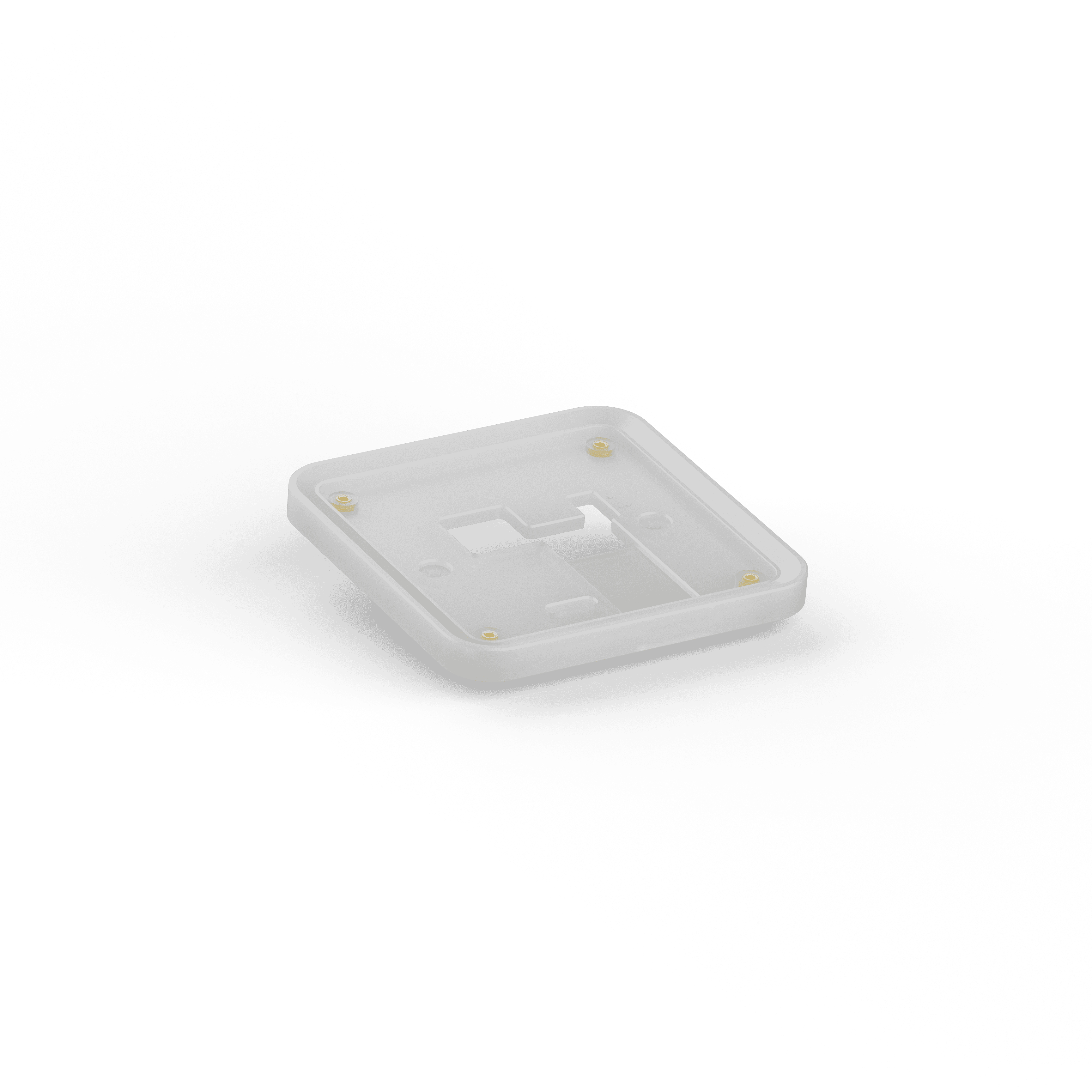
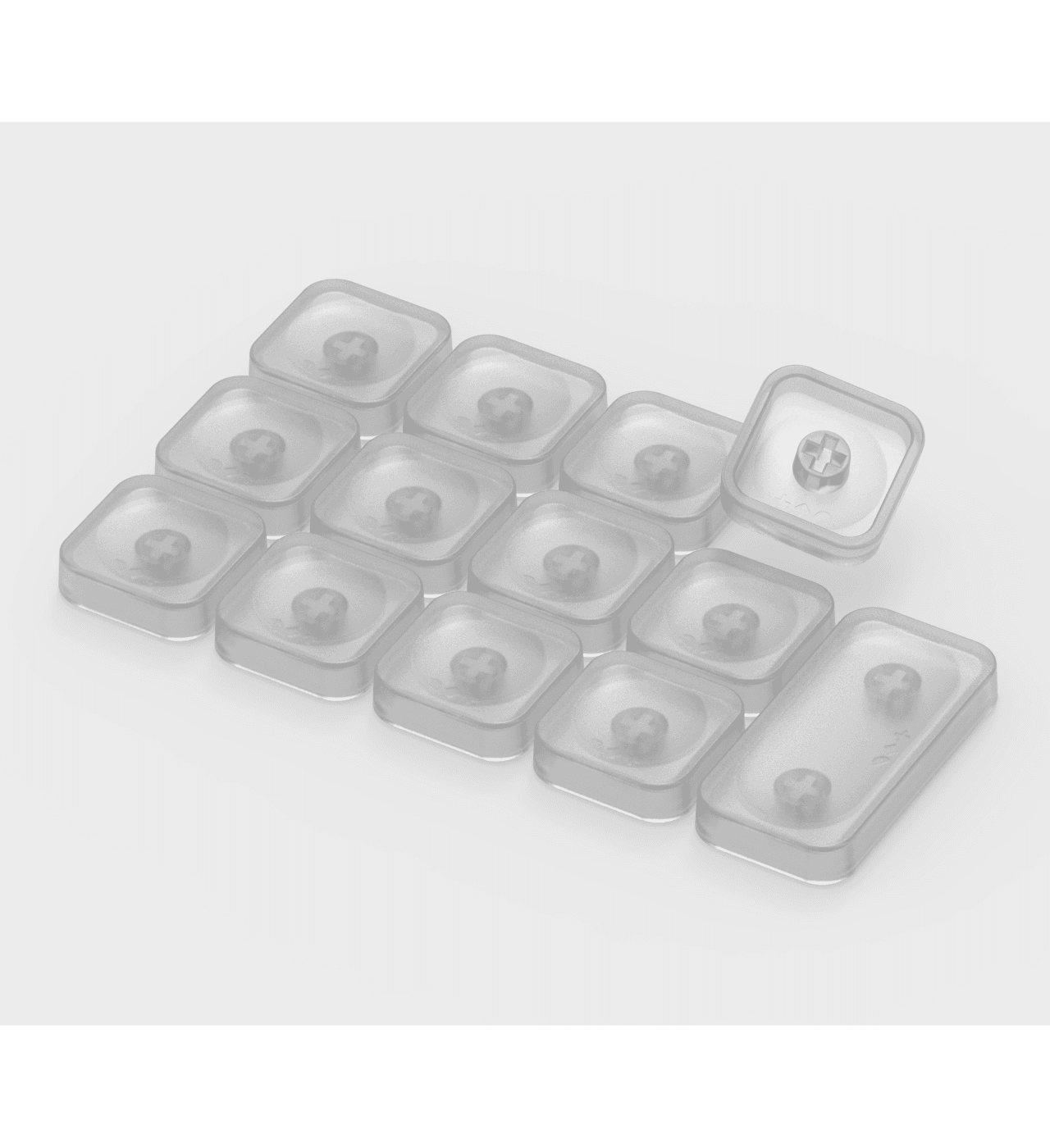
wrk. MX Pure (dozen)
+

Dial v2
+
wrk. MX Icon
+
Spec. -

PRO model
Bluetooth / USB-C
CNC Aluminum frame
2100mAh battery
BASE model
Wired only USB-C
CNC PC frame
Compatibility
Mac / Windows
Lighting
RGB
Material & Finish
CNC PC & Aluminium
Sandblasted anodized bottom
PBT & PC keycaps
Rubber joystick cap
POM / POK switches
Device
13x Mechanical switches
1x Touch sensor
1x Rotary encoder
1x Planar joystick
Keyset
11x Solid black caps
1x Frosted PC cap
Software
ChatGPT Codex
Work Louder Input
Included
Creator Micro 2
USB-C to USB-C cable
Sold separately
wrk. MX Pure
wrk. MX Icons
Where do you ship?
What OS does it work with?
What apps can I use with?
Do I need to download any software?
Human after all - 👋 -
Human after all - 👋 -